How to Record a Vocal Demo in Your Browser (No DAW)
A vocal demo does not need to be perfect. It needs to exist. The job is to capture the melody and the feel while they are fresh, so you can judge the song instead of imagining it. You can do the whole thing in a browser tab, no DAW and no install required.
1. Give yourself something to sing over
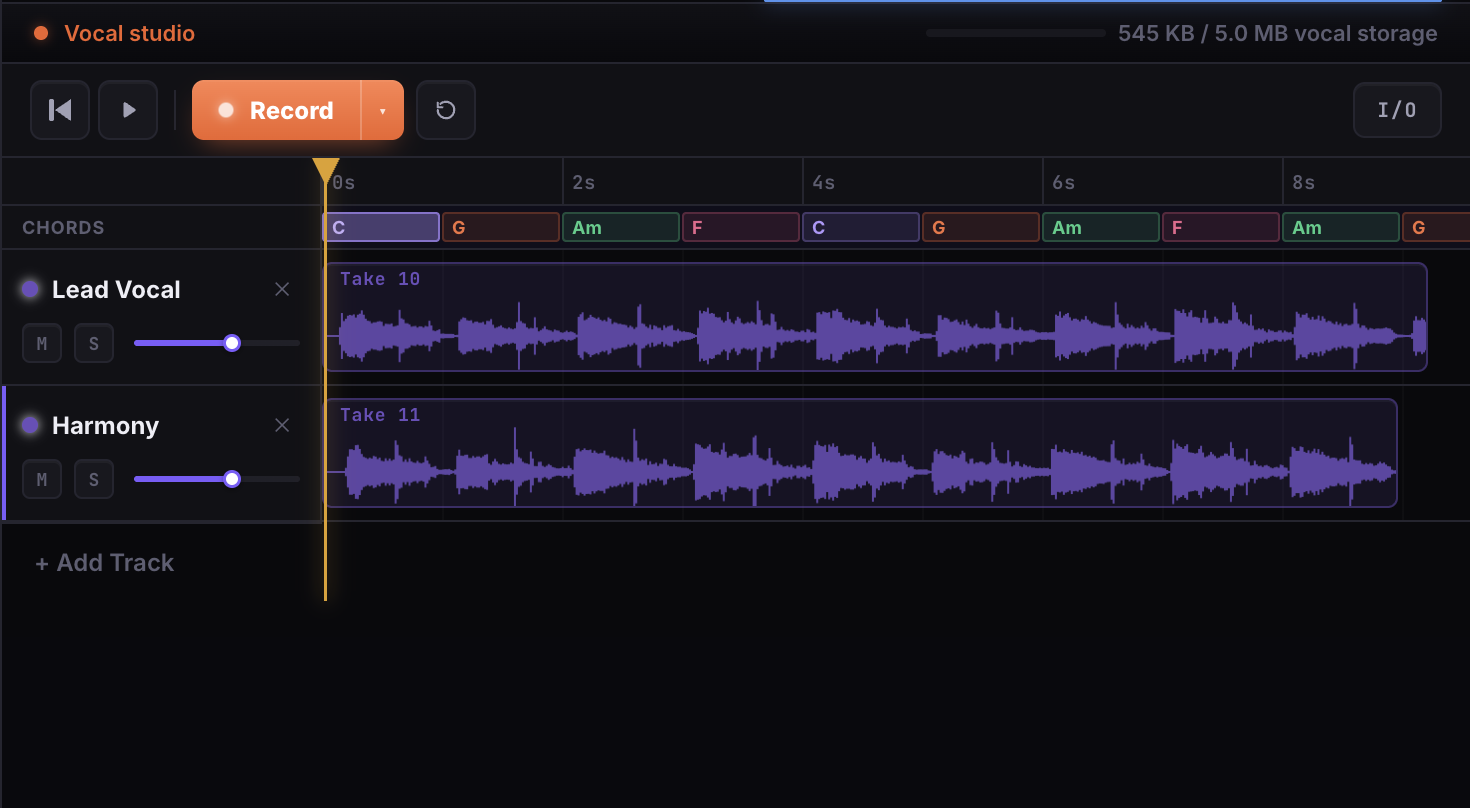
A melody is hard to find in silence. Set the key and tempo, drop in a Chord Maker → Try it, and add a beat from the Drum Machine → Try it. Bake those into a backing track and you have a pulse to sing against that already sits in time.
2. Loop the section and record
Set a section to loop in the Vocal Studio → Try it, hit record, and sing. Because the studio shares the song's tempo and structure, your take lines up with the chords automatically. LandChords also measures and corrects input and output latency, so what you sing lands where you sang it, not a beat late.
Record as many takes as you want. Nothing is overwritten, so you can keep the keeper and toss the rest.
3. Stack harmonies and ad-libs
Once the lead take feels right, add layers: a harmony a third up, a low double, a few ad-libs in the gaps. Arrange the clips on the timeline, then mute or solo any layer while you work so you can hear each part on its own.
4. Trim, bake, and bounce
Trim the start and end of a take so it sits tight, split a clip where you need an edit, and bake everything down to a single stem. On Pro you can export the result to WAV to share with the band or a producer, and the export runs entirely in your browser.
A rough demo beats a perfect plan
The takes save to the cloud, so the demo is waiting for you tomorrow exactly as you left it. Don't polish. Capture the idea, listen back, and let the song tell you what it needs next.
Start free and record your first take in the same tab you wrote it.